Your Insurance, Online 24/7 with MyRideau

View your coverage, print a pink card, submit a claim or ask for a change from your computer, iPad or phone, any hour of the day.

Prefer to talk? Call us at 613-273-2075.

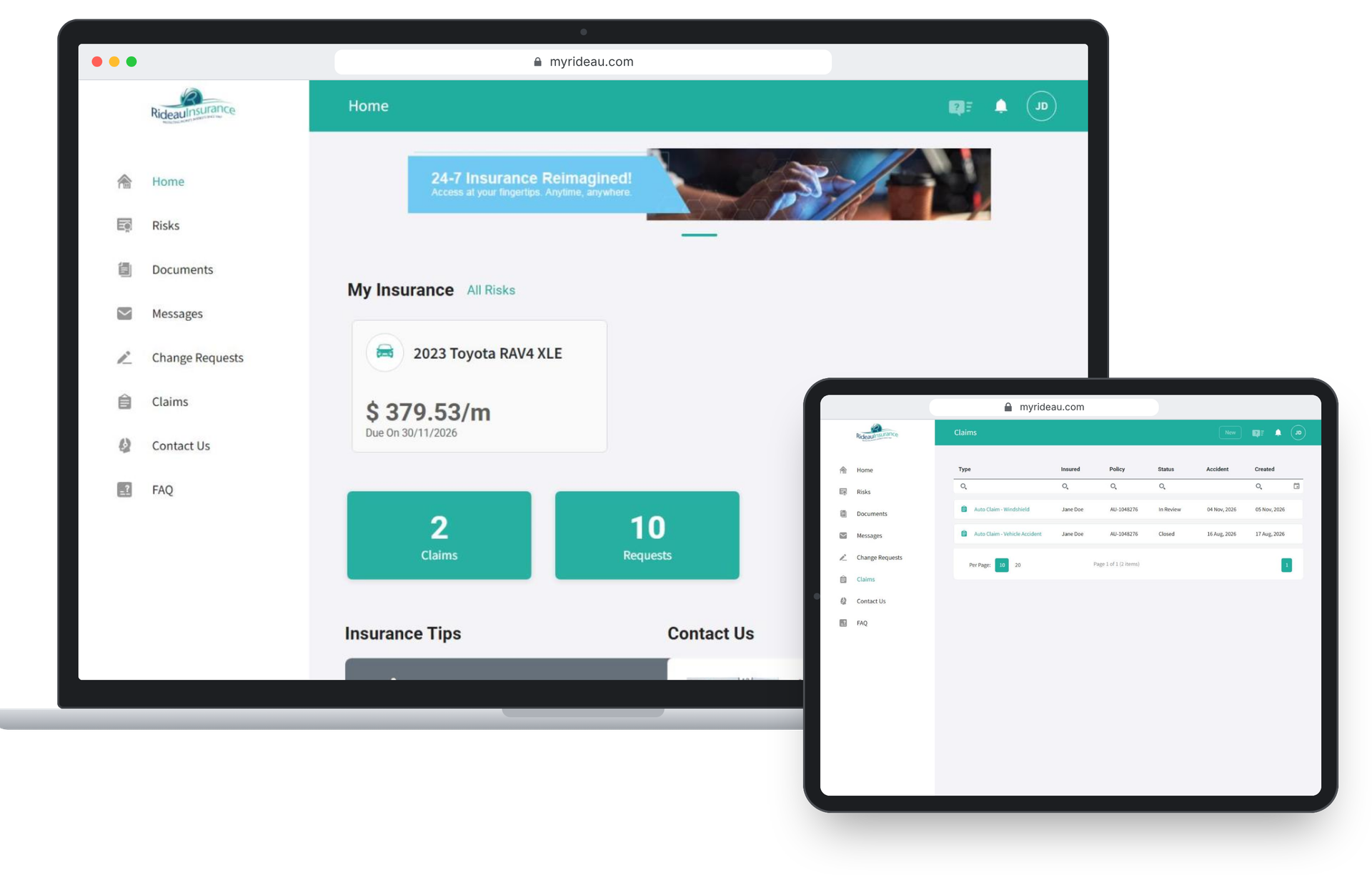
MyRideau App Desktop monitor and tablet display a teal-and-white dashboard with navigation menus, charts, and data panels.
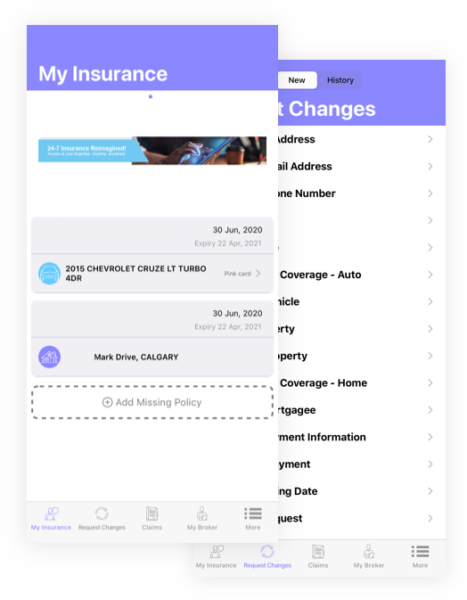
Overlapping mobile MyRideau App screens show a purple “My Insurance” header, policy cards, and a list of coverage options.

A Web Portal That Works on Your iPad or Computer

MyRideau is your personal window into your insurance with us. Open it in your web browser on a computer or tablet, with nothing to download. If you like having it on your phone, there’s a mobile app too, and it’s the same MyRideau.

Don’t wait for office hours. Check a policy at 9 p.m., print a pink card on a Sunday, or send us a request when it suits you.
What You Can Do in MyRideau

Coverage

View your coverage.

See your coverage details and full policy documents.

Pink card

Get your pink card.

Keep a digital copy handy, or print one at home.

Black outline of a camera icon on a white background

Submit a claim.

Send your photos, your statement and the claim details.

Change

Request a change.

Tell your broker what you need changed, and we’ll take care of it.

Weather alerts

Get weather alerts.

Be notified when severe weather is expected in your area.

Any device

Use any device.

Works on a computer, tablet or phone, any time.

Getting Started Takes a Few Minutes

  1. Go to myrideau.com and choose Log In or Register.
  2. Sign in to see your policies and documents.
  3. Need a hand the first time? Call us and we’ll walk you through it.

Here’s What MyRideau Looks Like

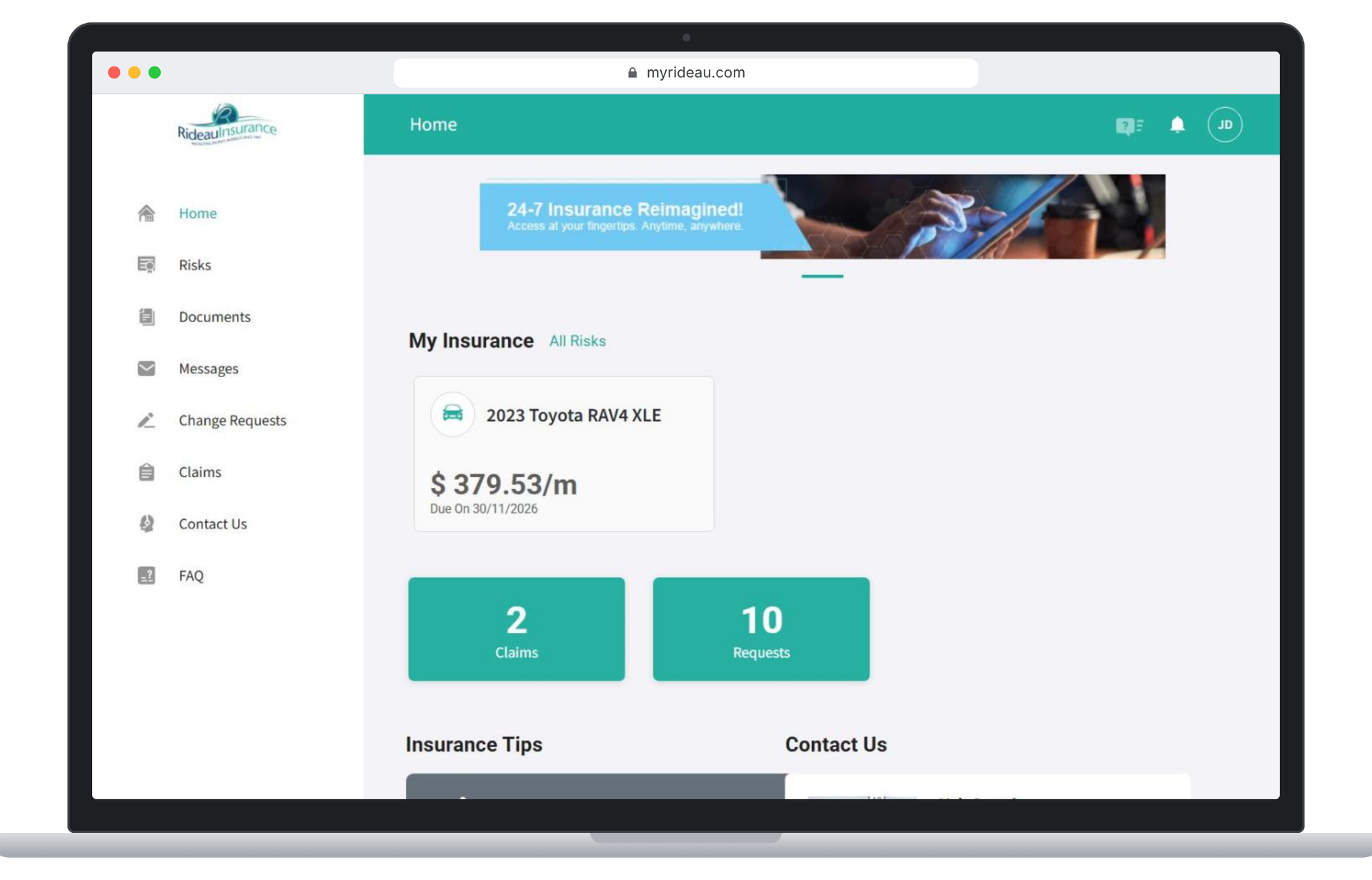
MyRideau App Laptop screen showing a teal-and-white analytics dashboard with revenue figures, a left menu, and summary cards.
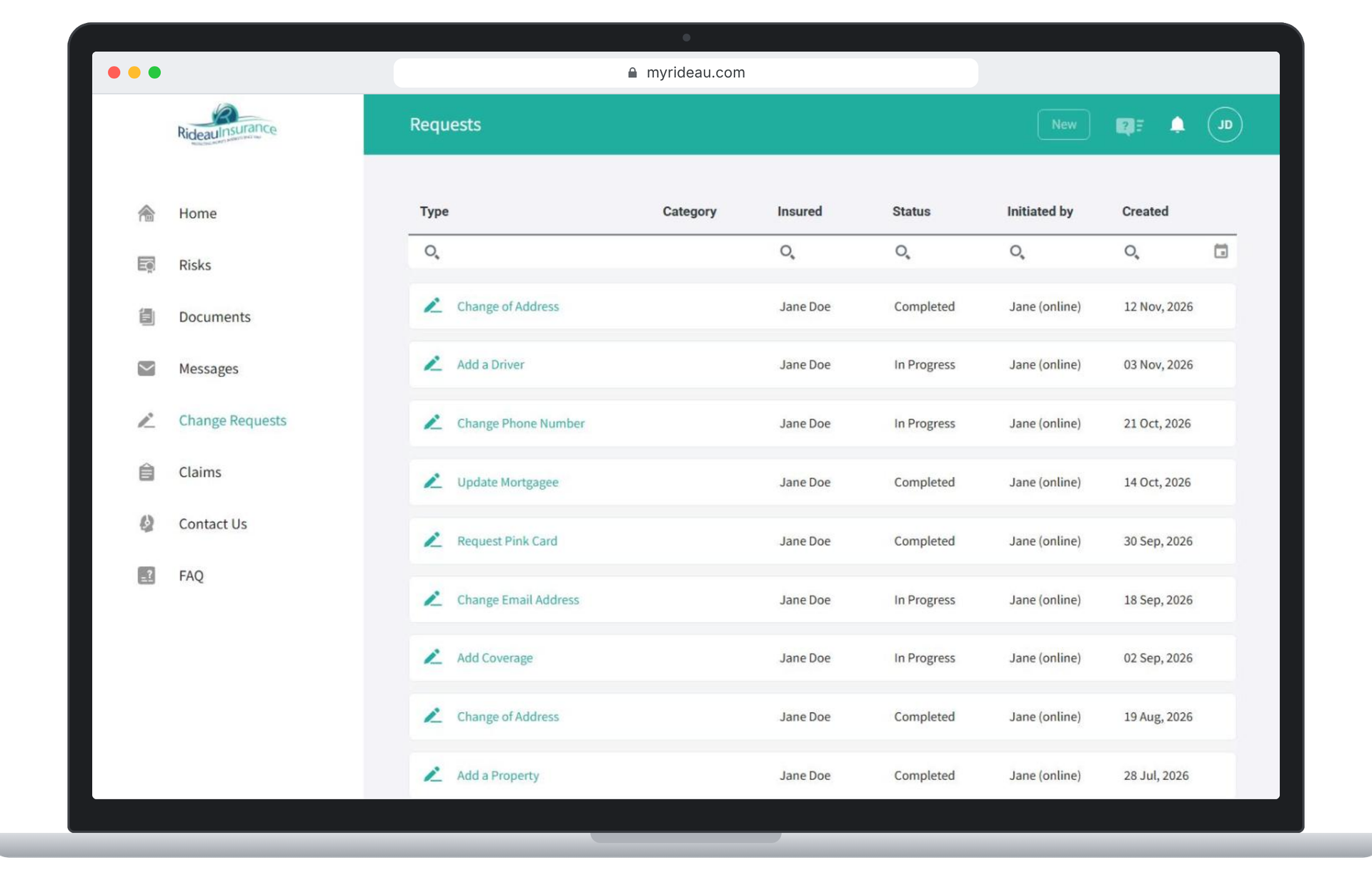
MyRideau App  A laptop displays a web dashboard with a teal header, left navigation menu, and a table of records.
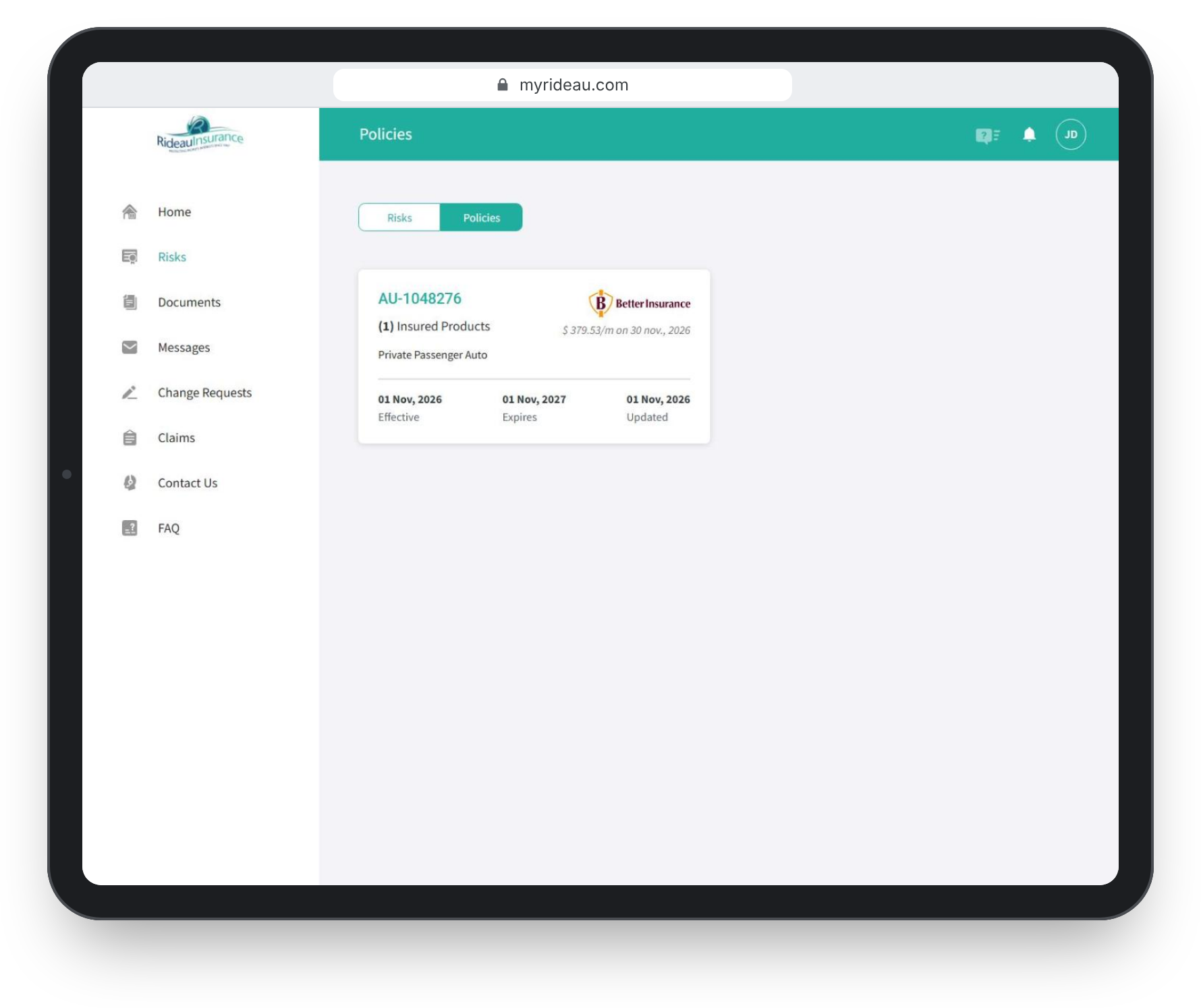
MyRideau App Tablet showing a web dashboard with a teal top, left navigation menu, and information card on a pale background.

On your computer or iPad

Two overlapping mobile app screens for “My Insurance” and “Changes,” showing policy cards and menu options.

On your phone

Send Us a Request. We’ll Take It From There.

Need to update an address, add a vehicle or ask a question about your policy? Send it through MyRideau and it goes straight to our team. No waiting on hold, no calling back during office hours, and a written record of what you asked for.

Still like picking up the phone? So do we. Call 613-273-2075 any time during office hours and we’ll be glad to help.

Want It on Your Phone Too?

Download the MyRideau mobile app for quick access on the go.

Frequently Asked Questions

What is MyRideau?

It’s our client web portal and mobile app. You can view your coverage, print your pink card, submit a claim and request changes any time.

Do I need a smartphone?

Is the web portal different from the app?

Can I print my pink card?

How do I report a claim?

Who do I call if I get stuck?